Retouching makes clients nervous for a reasonable reason: everyone has seen it done badly. The overly smoothed portrait, skin like plastic, a face that belongs to a younger stranger, has given editing a reputation it does not deserve when it is done properly. Professional headshot retouching follows a simple ethic: fix what is temporary, keep what is you. Understanding where that line sits helps you choose a photographer and brief them well.
Studios describe their approach in their own words; Bazemore Studios puts it as expert editing with a focus on authenticity. This guide unpacks what that means in practice, step by step, from the photographer's side of the screen.
The standard workflow
- Select first. Retouching begins only after you choose final images, so editing time goes into photos you will actually use.
- Global corrections. Color, contrast, and exposure are balanced so skin tones look natural and consistent across a set.
- Temporary fixes. Blemishes, stray hairs, lint, and shine are cleaned up: the things a good night's sleep would have handled.
- Gentle local work. Under-eye shadows from a hard week are softened, not erased, and teeth and eyes are brightened only slightly.
- Platform preparation. Finals are exported in the sizes and crops your website, LinkedIn, and print pieces need.
Notice what the workflow does not include: reshaping. Jawlines, noses, body shape, and the structure of a face are not retouching items in professional headshot work. Neither is removing the permanent features that make you recognizable: moles, scars you live with, laugh lines, or the character in a face that has done some living. A client can request specific changes, and a photographer will discuss them honestly, but the default in professional work is restraint.
Why restraint protects you
A headshot has a job in the real world: a person sees it, then meets you. Every edit that moves the photo away from the person taxes that meeting. Light retouching passes the recognition test effortlessly, because it only removed things that were never part of you: the blemish that appeared Tuesday, the flyaway hair, the shine from a warm room. Heavy retouching fails the test in a way people feel even when they cannot name it.
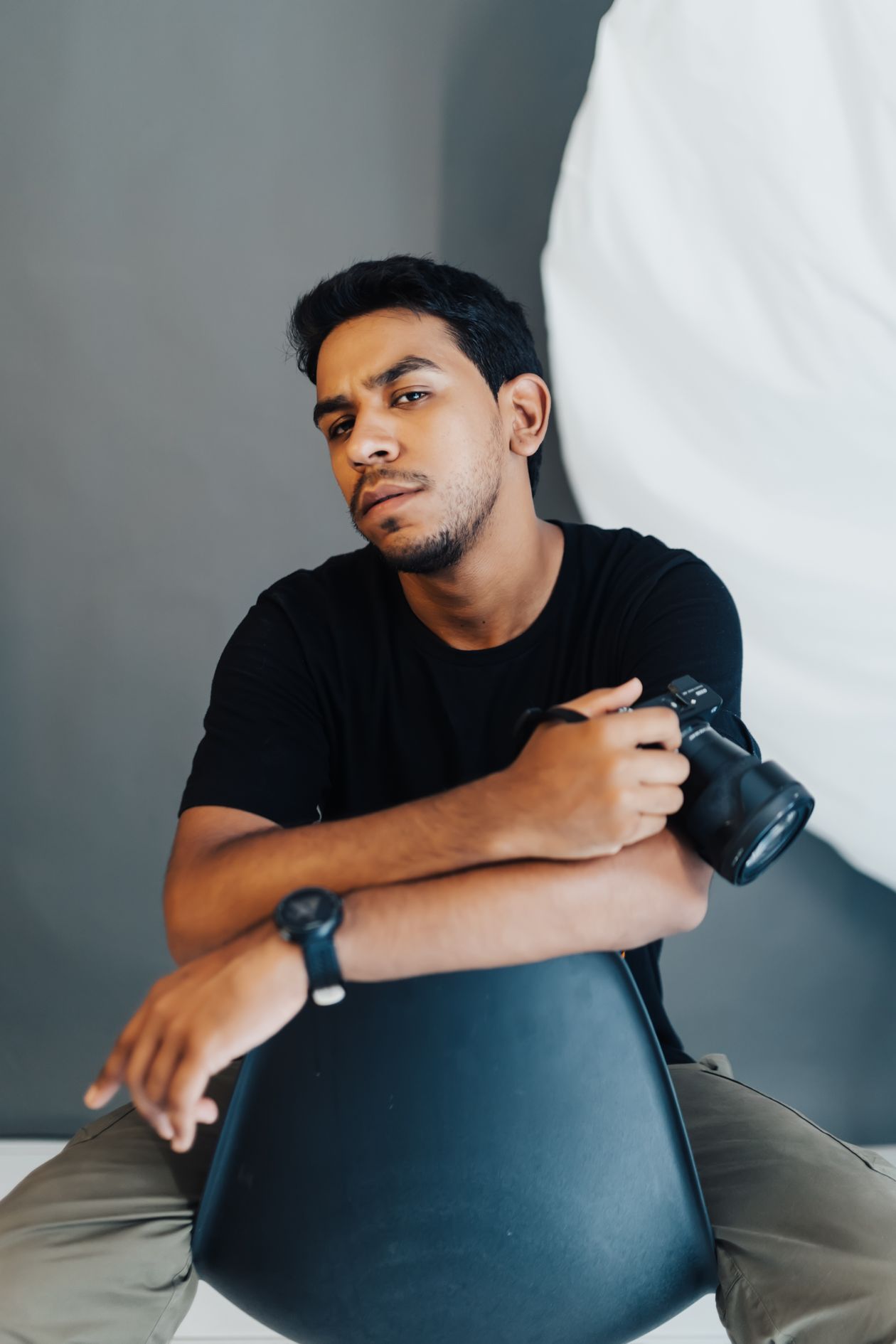
There is also a consistency argument for teams. When forty employees are retouched by the same hand to the same standard, the set looks professional and even. When each person negotiates a different level of editing, the page quietly shows it. Companies should ask for one standard, applied to everyone, and photographers who shoot teams will usually propose exactly that.
How to brief your photographer
Say the quiet parts out loud at selection time. If there is a scar you want left alone, say so. If you are self-conscious about one feature, name it and ask what can be done within a natural result; often the honest fix happened in the photography, a better angle or softer light, rather than in editing. Ask to see finals at full size before approving them, since phone screens hide both flaws and over-editing.
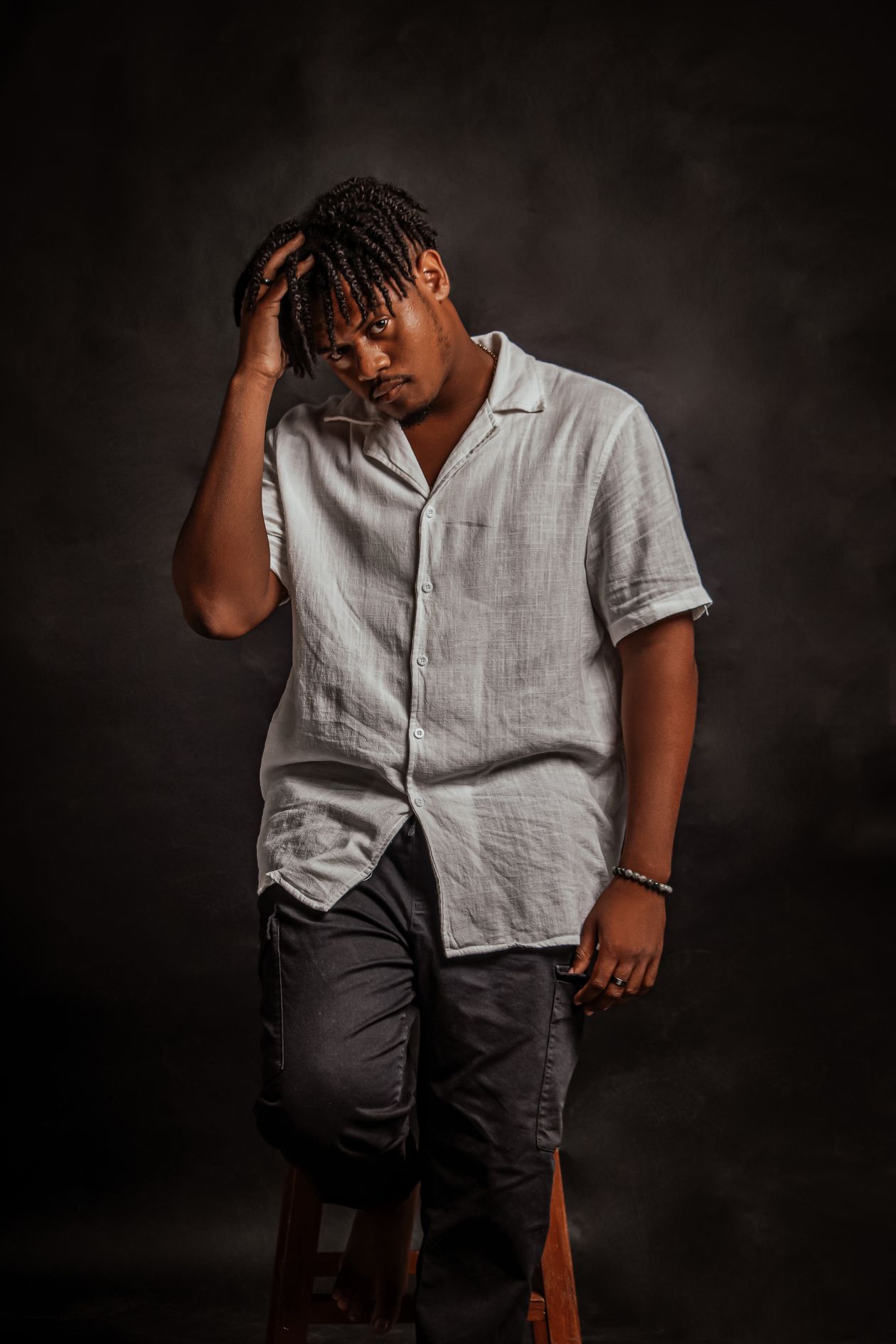
Delivery is the last retouching topic. Finals should arrive prepared for their platforms: web-sized for LinkedIn and your site, full resolution for print, in the crops you need. Turnaround varies; Bazemore Studios lists delivery within a day for final selections. Whatever the timeline, a defined process, select, correct, clean, soften, export, is the sign of a studio that treats editing as part of the craft rather than a filter applied on the way out.
Digital delivery has added one modern retouching question: versions. The same final image may be needed square for a profile, vertical for a directory, and wide for a website banner. Ask at selection time which crops you need, because cropping is part of finishing, and a composition that works wide may fail square if it is cropped as an afterthought. Good studios prepare the platform versions as part of the retouching pass, so each file arrives ready rather than leaving you to crop a finished portrait in a free app, which is where careful editing often goes to die.
And if you are comparing photographers, ask one revealing question: show me a before and after. A studio confident in its restraint will show you pairs where the difference is real but hard to spot at a glance: cleaner, calmer, more polished, and unmistakably the same person. If the after photos look like different, younger people, you have learned what you needed to know, and you can keep looking with a clearer standard in mind.
Common questions
Can retouching remove wrinkles?
It can soften them, and a good editor will, lightly. Removing them entirely crosses into changing the face, and most professionals will steer you away from it.
Will my freckles or moles be edited out?
Not by default. Permanent features stay, because recognition is the point of a headshot. Temporary blemishes are what editing removes.
Can I ask to see the unretouched version?
Yes. Photographers are used to the request, and comparing the two is the fastest way to understand how light the standard touch really is.
Photos in this guide are representative stock images.
← All guides from Bazemore Studios← Back to Bazemore Studios